

📏50cm Positioning Calipers | Repeat-Layout Woodworking Guide


📏50cm Positioning Calipers | Repeat-Layout Woodworking Guide


Set the Reference Once. Carry It Into the Next Piece.
When several boards need the same layout, the frustrating part is often rebuilding the same measurement again and again. Set your reference points, transfer the position and keep the project moving.
The First Measurement Isn't the Problem. Repeating It Is.
One measurement is easy. Rebuilding the same reference across multiple boards is where the workflow starts slowing down.
Move to the next workpiece and you may find yourself setting up the same measurement all over again.
Repeated parts mean repeated reference points—and every reset interrupts your working rhythm.
The more identical layout work you have, the more unnecessary back-and-forth begins to add up.
Stop Rebuilding the Same Reference
Capture the position you need, carry that physical reference to the next workpiece, then continue your layout from there.
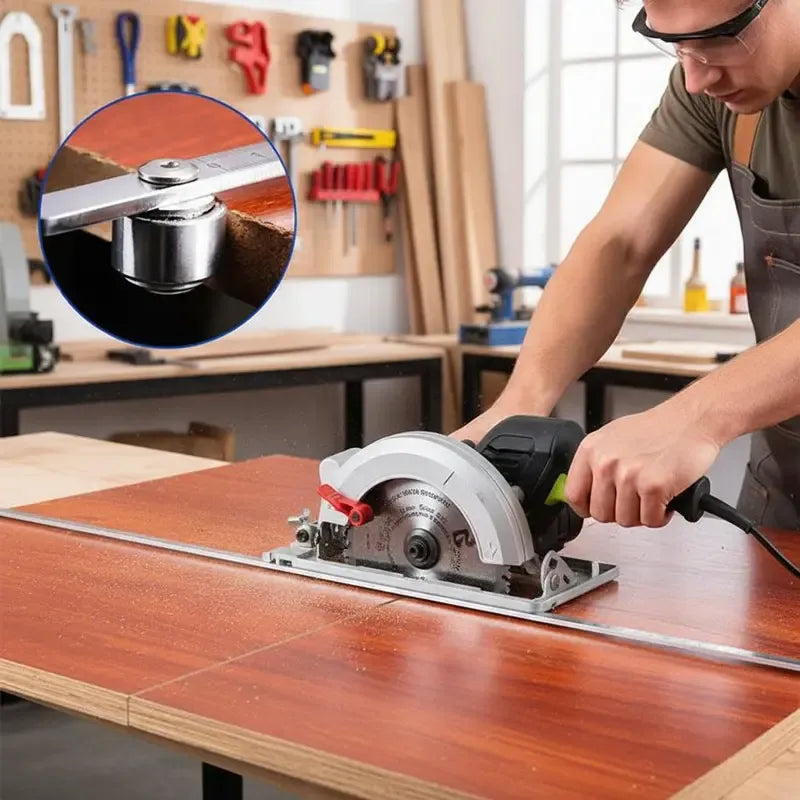
Turn a Measurement Into a Physical Reference
Set the positioning points according to the layout you need. Instead of rebuilding that reference from scratch on the next board, carry the established position forward.
Establish the layout from the first workpiece or required measurement.
Keep your established reference instead of beginning the setup again.
Use the positioning points as a guide for repeated marking.
Reference More Than One Position
The available axis configurations give you different ways to establish reference points depending on the layout you're working with.
Establish spacing or positioning references along a suitable edge.
Multi-axis options give you additional positioning points for layouts that need more than one reference.
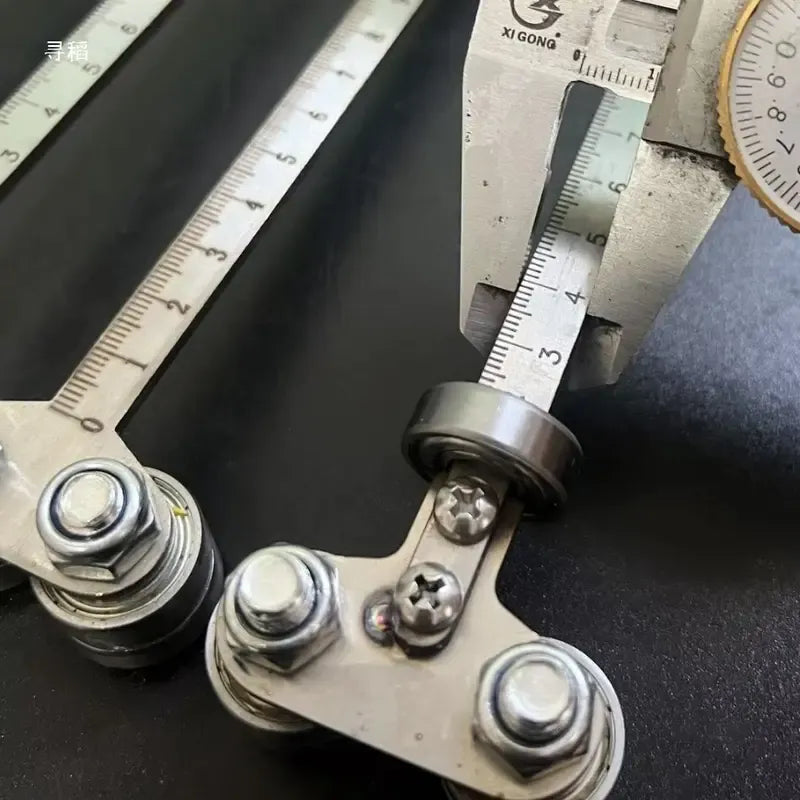
Position First. Mark With a Clear Reference.
The straight-edge format combines the measuring scale and positioning points in one layout tool, helping you keep the measurement and physical reference together while you work.
Useful Reach for Everyday Woodworking
The extended straight-edge format gives you room to work across furniture parts, cabinet components, boards and other medium-size layouts.
Measure. Position. Mark. Repeat.
The value comes from keeping the workflow simple.
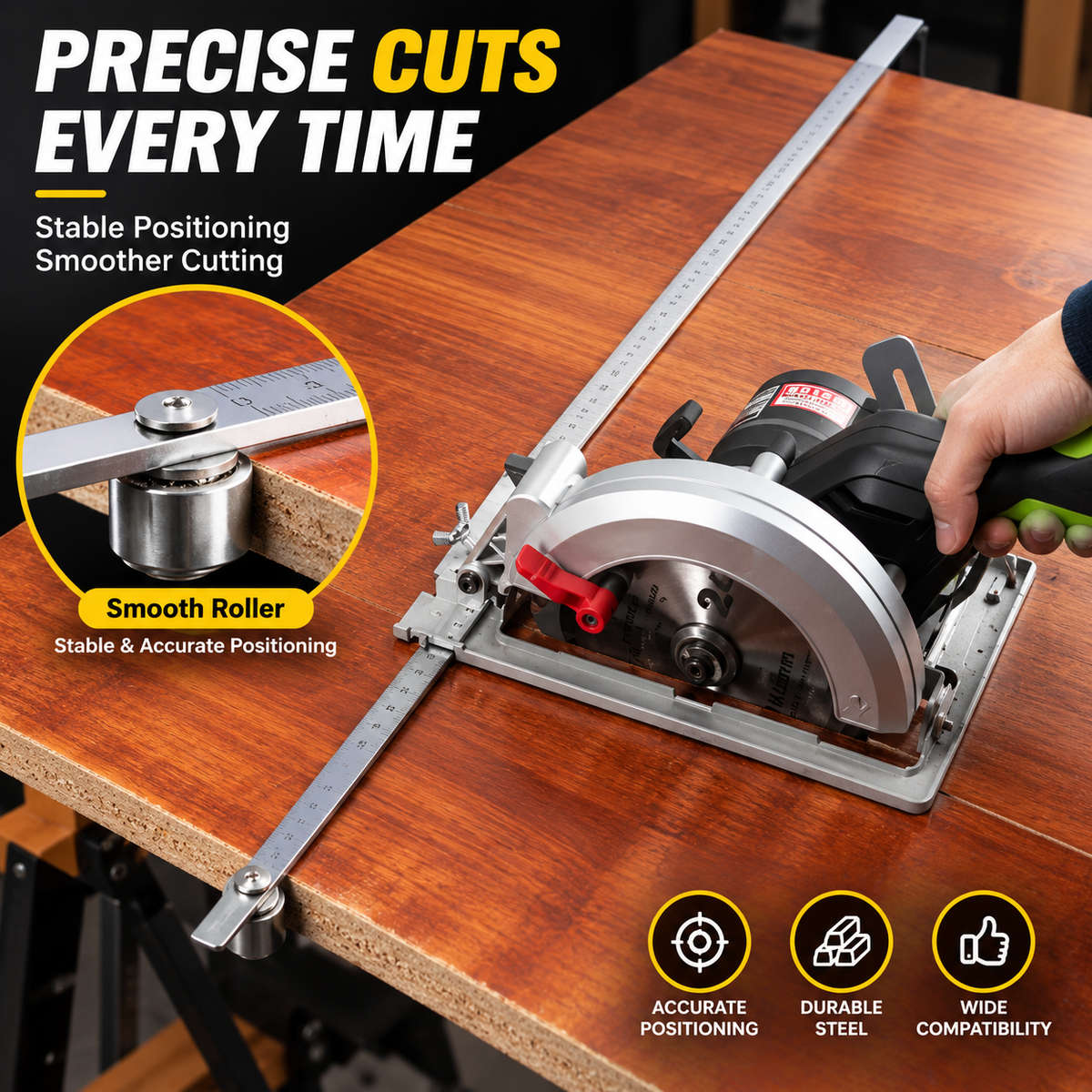
Especially Useful When the Same Layout Has to Happen Again
Wherever several pieces need matching reference positions, transferring the setup can be more convenient than rebuilding it piece by piece.
Three 50cm Positioning Options
Select the axis configuration that best matches the type of reference work you want to perform.

A straightforward single-reference configuration.

Adds another positioning reference for layouts that need two contact points.

Provides additional reference points for more involved positioning setups.
Small Workflow Changes Can Save a Lot of Repetition
Set a Position You Can Reuse
Establish a physical reference instead of relying only on a measurement written down somewhere.
Move From Piece to Piece
Transfer your established layout when several workpieces need the same positioning.
Work Across 50cm
The straight-edge format gives you approximately 19.6 inches of working length.
Spend Less Time Resetting
Keep repeated layout work moving instead of rebuilding the same measuring setup over and over.
Specifications
| Product Type | Woodworking positioning / layout calipers |
|---|---|
| Working Length | 50cm |
| Approx. Imperial Length | 19.6 inches |
| Available Options | Single-axis 50cm, Double-axis 50cm, Four-axis 50cm |
| Primary Function | Measure, position, mark and transfer reference layouts between workpieces |
| Great For | Cabinet making, furniture layout, door projects, board layout, repeated marking and DIY woodworking |
Frequently Asked Questions
What is the main purpose of the positioning calipers?
How long is the positioning guide?
What versions are available?
What woodworking jobs can I use it for?
Does it eliminate the need to check my measurements?
What material is it made from and what is the exact accuracy tolerance?
Will it fit every circular saw or woodworking machine?
Stop Measuring the Same Layout From Scratch
Set your reference, carry it to the next workpiece and spend more of your workshop time actually moving the project forward.
Choose Your Axis Configuration ↑